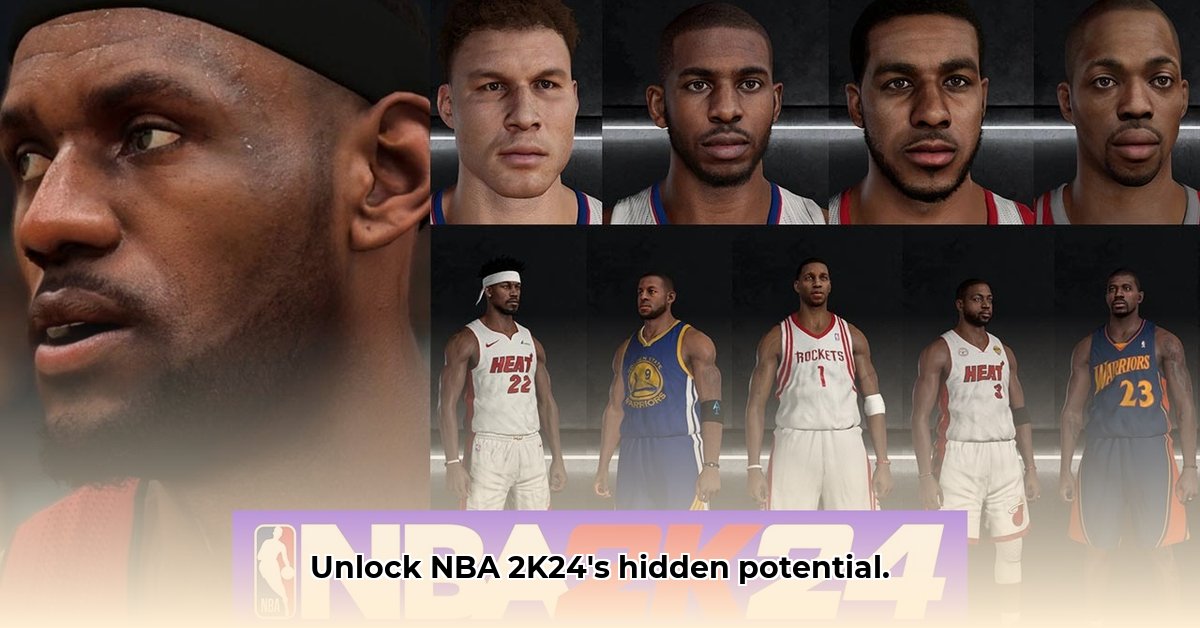
Want to customize your NBA 2K24 game? The Looyh Hook (NBA2K_Hook) is a third-party tool that simplifies the modding process, allowing you to add custom content like player models, courts, and more. This guide provides a step-by-step walkthrough for installing and using the Looyh Hook, along with troubleshooting tips and insights into the future of NBA 2K24 modding. For additional resources, check out this helpful NBA 2K23 modding guide.
2K24 Mod Hook: Your Easy Guide to Customizing NBA 2K24
The Looyh Hook acts as a bridge, connecting custom content to your game. It handles the technical complexities, letting you focus on enhancing your gameplay experience. This guide is designed for users of all technical skill levels.
Understanding the Looyh Hook: Your Key to Custom Content
The Looyh Hook is essential for accessing and using community-created mods in NBA 2K24. It simplifies the process of integrating these modifications into your game. The latest versions, such as 24.0.4, offer improved stability and ease of use. Is using the most up-to-date version important? Absolutely! A more stable experience is a direct result of using the newest version. The Hook is the backbone of the NBA 2K24 modding community, enabling players to personalize their gameplay. Have you considered the impact of this modding community on the longevity of the game?
Installing the Looyh Hook: A Step-by-Step Walkthrough
Before you begin, ensure you are using the correct version of NBA 2K24 (1.2 EXE version).
Download the Hook: Download the latest version of the Looyh Hook from a trusted source. Always prioritize downloading from reputable websites to avoid malware.
Unzip the Files: Extract the downloaded files to a location easily accessible on your computer.
Locate Your Game Folder: Find your NBA 2K24 game folder. It's typically located within your Documents folder, but the exact location can vary based on your system configuration.
Create the ".mods" Folder: Inside your NBA 2K24 game directory, create a new folder named ".mods." This folder will house all your mods.
Organize Your Mods: Create individual subfolders within the ".mods" folder for each mod you intend to install. Using descriptive names (e.g., "ImprovedCourtTextures," "RealisticPlayerModels") improves organization.
Add Your Mods: Place the downloaded files of each mod into its corresponding subfolder.
Create the ".enabled" File: Inside each mod's folder, create an empty file named ".enabled." The Looyh Hook uses this file to identify and activate mods.
Troubleshooting: Fixing Common Problems
Despite improvements in the Looyh Hook, issues can arise.
Game Crashes: Outdated Hook versions frequently cause crashes. Ensure you're using the latest version. Conflicting mods (mods trying to modify the same game element) can also lead to crashes; try disabling mods one by one to find the culprit.
Mods Not Working: Confirm the ".mods" folder and ".enabled" files have been correctly created and named. Even minor typos can prevent mods from functioning. Carefully review file paths.
Sound Issues (WAV Files): Problems with WAV files (sound files) can persist. Ensure your WAV files adhere to the game's specifications. Re-encoding using a compatible format might solve the issue.
The Future of 2K24 Modding: A Community Effort
The NBA 2K24 modding community is dynamic, with the Looyh Hook reflecting this continual progress. We can anticipate improvements in performance, stability, and user-friendliness. Challenges remain, however:
| Challenge | Possible Solutions |
|---|---|
| Game Updates Breaking Mods | Regular Hook updates, developer collaboration, robust error handling. |
| Anti-Cheat Measures | Clever mod design, community testing, avoiding core game file alterations. |
| Intellectual Property Rights | Adherence to regulations, use of free or properly licensed assets. |
The collaborative spirit of the community—through feedback, bug reporting, and tool enhancement—is crucial for the future of 2K24 modding.
How to Prevent NBA 2K Mod Conflicts with Game Updates
Key Takeaways:
- The Looyh Hook is a third-party tool, unlike the officially supported modding in NBA 2K25.
- Understanding the limitations of external modding tools is critical.
- Regularly backing up game files is vital.
- Staying informed about updates and community discussions minimizes conflicts.
- A choice often exists between online multiplayer and modding capabilities.
Understanding the Looyh Hook and NBA 2K24 Updates
The Looyh Hook's compatibility is limited to a specific game executable version (1.2). Game updates beyond this version will likely break mod compatibility. Preventing conflicts requires managing your game version and mods independently. Why this limitation? 2K Games' anti-cheat measures often target modifications. The Looyh Hook provides a workaround but isn't a seamless solution.
Preventing Conflicts: A Step-by-Step Guide
Mitigate the risks of mod conflicts as follows:
Back Up Your Game Files: Before installing mods or updating, create a complete backup of your NBA 2K24 installation folder.
Check for Compatibility: Verify mod compatibility with your current and intended game version. Community resources often provide this information.
Uninstall Mods Before Updates: Remove all Looyh Hook-installed mods before updating NBA 2K24.
Update Carefully: Update your game through official channels only.
Reinstall Mods (with caution): After updating, reinstall mods one by one, testing after each addition. Remove any problematic mods immediately.
The Trade-Off: Online vs. Offline Play
Using the Looyh Hook often necessitates choosing between online multiplayer and modding, as the required game version lacks online multiplayer compatibility with the latest updates. Consider carefully which feature is more important to you.
Looking Ahead: A More Stable Future?
Future NBA 2K titles may incorporate more comprehensive modding support, leading to smoother experiences. Stay current on 2K Games' announcements and community discussions to stay informed.
1 NBA2K_Hook documentation
⭐⭐⭐⭐☆ (4.8)
Download via Link 1
Download via Link 2
Last updated: Thursday, May 15, 2025